Lonely Elephant
A gentle adventure about friendship, growth, and discovery. Choose your animal and explore in 2D or 3D.
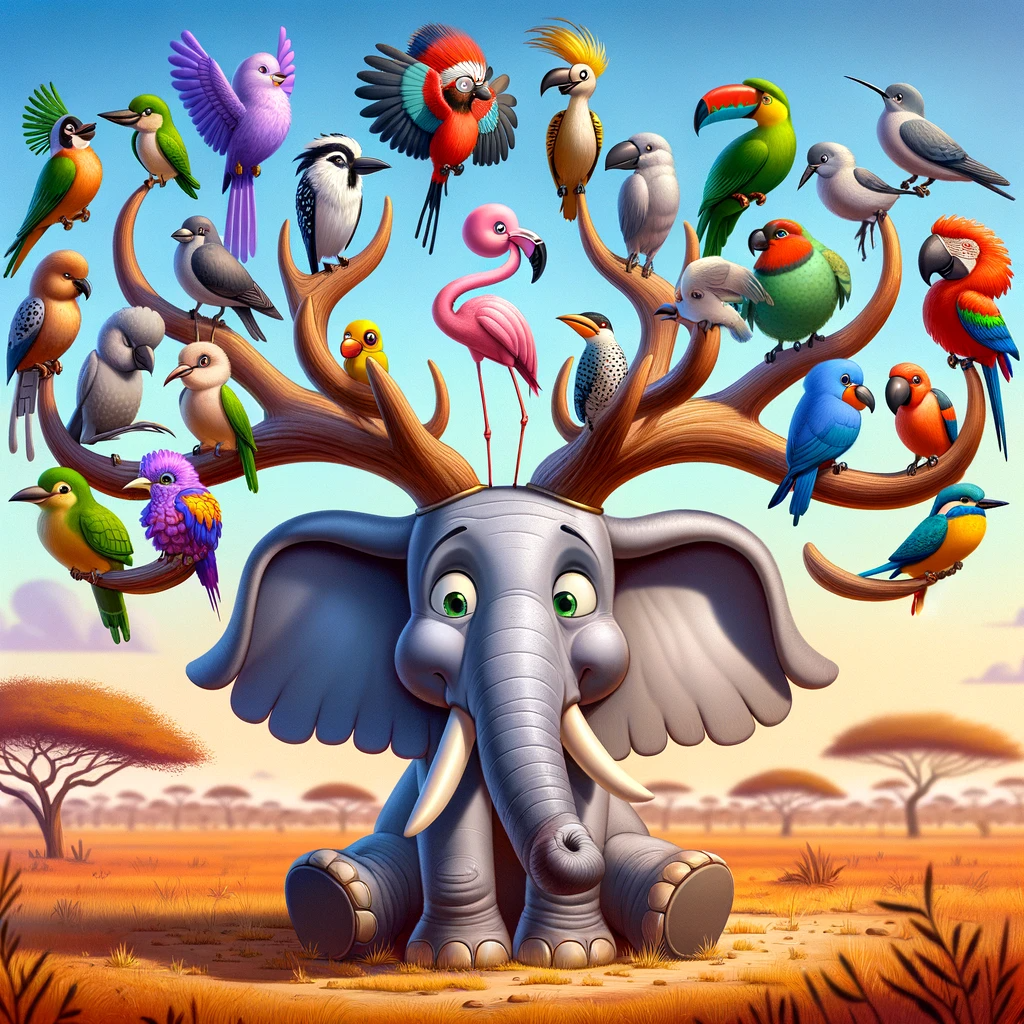
Lonely Elephant is a browser game about roaming, growing, and making friends. You move with WASD or by clicking, eat trees to grow, and attract birds that follow you on the journey. The full playable suite lives on thelonelyelephant.com — this page is the teaching companion: what the game is, how the versions differ, and how you can build something similar yourself.
Play on thelonelyelephant.com Full “How It Was Made” tutorial
Core gameplay loop
Explore
Move with WASD or click. Roam freely and discover new friends.
Grow
Eat trees to grow bigger and attract friendly birds.
Connect
Make friends with birds that follow you on your journey.
Playable versions
The live site ships several builds of the same idea, so you can compare a simple canvas loop with a fuller 3D RPG — and even an AI-assisted world.
AI 3D RPG
Type prompts that reshape the 3D world with a free AI backend and local fallback.
Play AI 3D RPGThere is also a separate Puzzle AI Games section (gene & color puzzles) linked from the main Lonely Elephant site.
How this game was made (web edition)
Lonely Elephant is built as a web game: HTML for structure, CSS for style, and JavaScript for the loop — with Three.js for the 3D builds. The site and game were developed with AI assistance. Below is a compact teaching outline; the longer walkthrough is on the Lonely Elephant site.
1. Plan a tiny fun loop
- Start with one clear idea: an animal that collects trees and makes friends with birds.
- Sketch the loop: move → collect → grow → attract companions → (later) attacks and new areas.
- Pick a friendly art style: simple shapes, bright colors, playful proportions.
2. Code in small modules
- Organize around functions like
init(),createAnimal(),createTree(), andanimate(). - Listen for
keydownandclickso players can move with keyboard or mouse. - Keep arrays for trees, birds, and enemies so features stay easy to extend.
// Simple growth-on-collect idea (pseudocode style)
function eatTree(tree, player, birds) {
  removeFromWorld(tree);
  player.size *= 1.25;
  if (player.treesEaten % 3 === 0) {
    birds.push(spawnBirdNear(player));
  }
}
3. Art & animation
- 2D: draw sprites on a full-window canvas and animate with
requestAnimationFrame. - 3D: build animals and trees from simple meshes (spheres, cylinders, cones).
- SVG works well for a homepage hero illustration without heavy assets.
4. Add features gradually
- Ship move + collect + grow first.
- Then add birds, attacks, water, enemies, dialogs, and new areas.
- In the RPG builds, progress can be saved as a compact base64 JSON “save code” you can copy and paste later.
// Example: unlocking a modular bird attack
attacks.push({
  name: "Tornado Bird",
  description: "Birds spin and create a whirlwind!",
  unlockLevel: 10,
  effect: function (enemy) {
    enemy.stunned = true;
  }
});
5. Useful resources
- Three.js documentation
- MDN JavaScript Guide
- How Lonely Elephant Was Made (full tutorial on the game site)
Try it yourself
Play a version, then open the tutorial and recreate one small piece — movement, tree collection, or a following bird. That “one feature at a time” approach is how Lonely Elephant grew from a simple 2D canvas loop into 3D, RPG, and AI experiments.